How to Translate German Apps on iPhone (Expat Survival Guide)
DB Navigator, Sparkasse, Kleinanzeigen, health insurance portals — Germany's essential apps are stuck in German. Here's how to actually use them.
You’ve just moved to Germany. You have a job contract, a suitcase, and exactly 14 days to register your address at the Burgeramt before you’re technically breaking the law. You open the Berlin.de appointment portal on your phone. It’s in German. You find the Anmeldung form. It’s in German. You download the PDF you need to fill out. German. You try to call the office. There’s no phone number.
Welcome to the most economically powerful country in Europe, where 17 million foreign-born residents somehow navigate daily life through apps and government portals built as if everyone on earth speaks German.
Germany ranked dead last for digital life in the 2024 InterNations Expat Insider survey. Not near the bottom — literally last place, 46th out of 46. The survey of thousands of expats found that 51 percent said it’s hard to live in Germany without speaking the language, compared to 33 percent globally. And the country ranked 50th out of 53 overall, beating only Finland, Kuwait, and Turkey.
These aren’t tourists complaining about restaurant menus. These are people trying to register their address, open a bank account, file taxes, and pick up a package.
The Apps You Can’t Avoid
Every guide for expats in Germany lists the same apps: DB Navigator, Sparkasse, Kleinanzeigen, your health insurance portal. What they don’t tell you is how many of those apps are entirely or mostly in German, even when your phone is set to English.
Here’s what you’re actually dealing with, ranked by how much it hurts.
Tier 1: Get This Wrong and You’re in Real Trouble
Sparkasse / Volksbank / Commerzbank banking apps — If you didn’t sign up with N26 or bunq (the English-friendly neobanks), you’re using a traditional German bank. Sparkasse is the most common, and its app is mostly German. The basic online banking interface has some English, but push-TAN setup, account settings, transaction details, and the security warnings that pop up when you’re trying to transfer rent are all German. One wrong tap on a security prompt you can’t read and you’ve locked yourself out of your account.
ELSTER (tax portal) — Germany’s official tax filing system technically added English in 2024. In practice, the English version was machine-translated by DeepL and is confusing. Terms like Vorsorgeaufwendungen (provident expenses) and Werbungskostenpauschbetrag (income-related expenses flat rate) get translated into English words that mean nothing to a normal person. The forms offer no guidance on what you can deduct.
Health insurance portals (AOK, Barmer, DAK) — TK (Techniker Krankenkasse) is the one insurer that actually has an English app, English website, and English phone hotline. If you picked TK, you’re fine. If you picked anyone else — AOK, Barmer, DAK — the app is German-only. Submitting sick notes, finding in-network doctors, understanding your coverage, checking reimbursements, all in German. One expat guide put it bluntly: for a digital-first expat, AOK is usually a frustrating experience.
Auslanderbehoerde / government immigration portals — The Auslanderbehoerde (foreigners’ office) is legendary among expats. The forms are in German. The appointment portal is in German. The signage inside the building is in German. A linguistics researcher studying Berlin’s Auslanderbehoerde noted the absurdity: at an office where clients by definition speak German as a second language if at all, there is no multilingual information. Not even a sign in English or Turkish, the two most common non-German languages in Berlin.
The experience goes beyond inconvenience. The Chairman of the Federal Association of Foreign Students told The Local that Germany’s immigration offices are “damaging the mental health” of many foreign students — “the pressure of university exams is not as big as the pressure from the Auslanderbehoerde.” And there’s no digital escape. Very few services are available online, and what exists is German-only.
Tier 2: Daily Pain, Constant Friction
Post & DHL app — You need this app to pick up packages from a Packstation, the automated parcel lockers that are everywhere in Germany. The app generates a pickup code when your package arrives. The entire app is German-only. Multiple app store reviewers have begged for an English option. There isn’t one.
Kleinanzeigen (formerly eBay Kleinanzeigen) — Germany’s Craigslist. Furniture, bikes, winter coats, apartment sublets. Entirely German — listings, seller messages, the entire interface. No language toggle. Users have resorted to running a translator alongside the app just to browse.
ImmobilienScout24 — Germany’s biggest apartment hunting platform. Finding an apartment is already brutal in Berlin, Munich, or Hamburg. Doing it through an app where every listing, landlord requirement, and application form is in German makes it worse. Phrases like Schufa-Auskunft erforderlich or Warmmiete inklusive Nebenkosten need to be understood precisely. Getting the gist isn’t enough when you’re signing a lease.
DB Navigator — Deutsche Bahn’s train app technically supports English. In practice, it’s partial. The booking flow works, but delay notifications, service alerts, and those critical pop-ups when your train is cancelled mid-journey arrive in German. Standing on a platform trying to figure out if your ICE has been rerouted or cancelled, you need that alert translated now.
Local transit apps (BVG, MVV, RMV) — Berlin, Munich, and Frankfurt transit apps actually have decent English support. But ticket types — Kurzstrecke, Einzelfahrkarte, Tageskarte — still trip people up. The fine for riding without a valid ticket is 60 euros.
Tier 3: Annoying but Survivable
Lieferando — Germany’s biggest food delivery app, owned by Just Eat Takeaway. This one actually has full English support. Small win.
Rundfunkbeitrag (broadcasting fee) — Every household pays 18.36 euros per month for public broadcasting whether you watch it or not. The portal is German-only. Most expats don’t realize this fee exists until a letter arrives demanding payment — in German, naturally.
Supermarket and loyalty apps (REWE, Lidl, EDEKA) — Mostly German. The coupons, the digital receipts, the Payback points system. You can survive without translating these, but you’re leaving money on the table.
Why “Just Learn German” Doesn’t Fix This
Every expat forum has the same reply to language complaints: “You’re in Germany, learn German.” Yes, absolutely. But German takes 750+ hours of study to reach professional working proficiency. Most expats are working full time, commuting, and setting up an entire life simultaneously. The apps don’t wait for you to finish your B2 certificate.
You need to function in German apps today while you learn German over the next year.
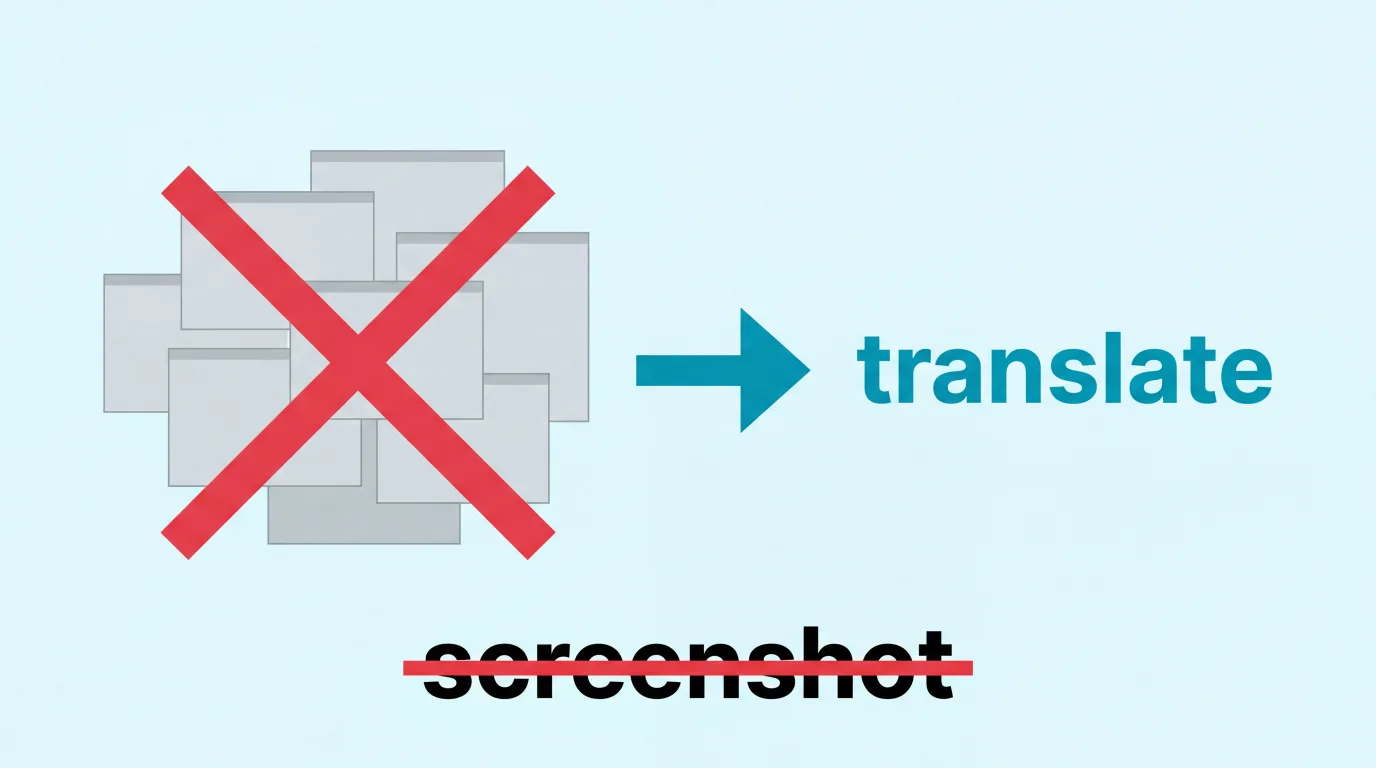
The standard workaround is the screenshot loop: screenshot the German text, open Google Translate, upload the image, read, switch back. For a restaurant menu, fine. For a 12-screen bank enrollment, you’re taking 30 screenshots. By screen 7 you’ve forgotten what screen 3 said. And when the banking app times out, you start over.
It’s the same problem we wrote about in Translate Any Screen Without Screenshots. On Android, you can hold the home button and Google translates the screen. On iPhone, there’s no equivalent.
The Overlay Approach
PiP Screen Translate puts a floating translation overlay on top of whatever app you’re using. It reads the German text on screen with OCR and shows the English (or whatever language you need) translation in a floating window. No screenshots, no app switching.
Start a session, switch to your Sparkasse app, and the overlay translates menu items, button labels, and transaction details while you’re looking at them. Navigate to the next screen, it updates. Switch to Kleinanzeigen, it translates the listing. Open the DHL app, it translates the pickup instructions.
Where it works well
- Banking app navigation — menu items, account labels, transaction types, security prompts. You can see what “Umsatzanzeige” (transaction overview) and “Dauerauftrag” (standing order) mean while your finger is hovering over the actual buttons.
- Kleinanzeigen listings — product descriptions, seller messages, shipping options. You can browse secondhand furniture without screenshotting every listing.
- DHL / Post app — pickup codes, delivery status, Packstation instructions. The stuff that’s impossible to guess.
- Health insurance portals — finding doctors, submitting documents, checking coverage status.
- Government forms — understanding what each field is asking for, even if you still need to fill it in in German.
- ELSTER tax screens — making sense of which deduction category applies to you.
Where it struggles
I’ll be honest about the limitations:
- Dense legal text in small font — rental contracts, insurance fine print, and terms of service can be hard for OCR to read cleanly, especially on older iPhones. The overlay gives you the gist, but for a lease you’re going to sign, get a proper translation.
- Compound German words — German loves its compound nouns. Einkommenssteuererklarung (income tax declaration) or Aufenthaltsgenehmigung (residence permit). The OCR handles them, but translations of specialized bureaucratic compounds can be rough.
- Speed on form-heavy screens — there’s a brief delay between navigating to a new screen and the overlay updating. For tapping through banking menus it keeps up fine. For rapidly scrolling through a long form, you may need to pause.
- Handwritten or stylized text — standard app UI translates well. Fancy fonts on restaurant menus within delivery apps, not as reliably.
For anything you’re going to sign — a lease, an insurance contract, a tax declaration — use the overlay to understand what you’re looking at, then get a proper translator or an English-speaking advisor to review the details. The overlay is your first pass, not your notary.
Your Translation Stack for Germany
For navigating German apps in real time — PiP Screen Translate overlay. Banking, government portals, Kleinanzeigen, DHL, health insurance.
For careful text translation — DeepL. German-made, handles bureaucratic German better than Google Translate.
For spoken German — Google Translate conversation mode. For when the Sparkasse employee is explaining account options.
For learning German — Babbel, Lingoda, or your local VHS (Volkshochschule) integration course. The long-term fix.
For official documents — A sworn translator (beeidigter Ubersetzer). For anything legal, Germany requires certified translations. No app replaces this.
We wrote a broader guide for moving abroad: Your First Week Abroad.
FAQ
Does this work with banking apps like Sparkasse?
Yes. The overlay floats on top of any app, including banking apps. It reads German text via OCR and shows the translation. It doesn’t interact with the app — it just translates what’s visible.
What about privacy?
OCR runs on your device. The recognized text gets sent to a translation API for translation, same as any translation app. Screen content isn’t stored. You can start and stop the overlay as needed.
Can I use this for ELSTER?
Yes, though German tax terminology is dense even for native speakers. The overlay helps you understand which fields and categories you’re looking at. For the actual filing, most expats use Taxfix or Wundertax alongside ELSTER for English-language guidance.
Is this a replacement for learning German?
No. It’s a bridge. Germany works in German, and the deeper you get into daily life — neighbors, doctor visits, small talk at the bakery — the more you need actual German. The overlay handles the digital side while you build the human side.
What languages does it support?
German, Japanese, Chinese, Korean, and many more. Translates to English, Spanish, Turkish, and dozens of other languages.
Does it work offline?
OCR works on-device. Translation requires an internet connection. With a German SIM or Wi-Fi, rarely an issue.
Germany is a great place to build a life. But the onboarding experience — setting up your life through German-only apps and portals — is unnecessarily brutal. Seventeen million foreign-born residents navigate this every day. You’ll figure it out too. Having a way to actually read your phone screen makes it less painful.
PiP Screen Translate is on the App Store. Free trial, no account needed.
Related Posts
How to Translate Japanese Daily Life Apps on iPhone
LINE, PayPay, Tabelog, HotPepper Beauty, city ward portals — the apps you actually need in Japan are mostly in Japanese. Here's how to read them.
How to Translate French Apps on iPhone (Expat Guide)
Ameli, CAF, Leboncoin, impots.gouv — France's essential apps are all in French. Here's how to actually use them on your iPhone without fluent French.
Stop Paying Proxy Fees: How to Translate Japanese Shopping Apps on iPhone
Mercari Japan, Yahoo Auctions, Surugaya — the best deals are in Japanese. Here's how to actually read them on your iPhone instead of paying a proxy service 30-100% markup.