
Translate Rednote and Chinese apps on iPhone
Rednote exploded outside China — but 90% of it is still in Chinese. Here's how to actually read it.
 Free trial, no account needed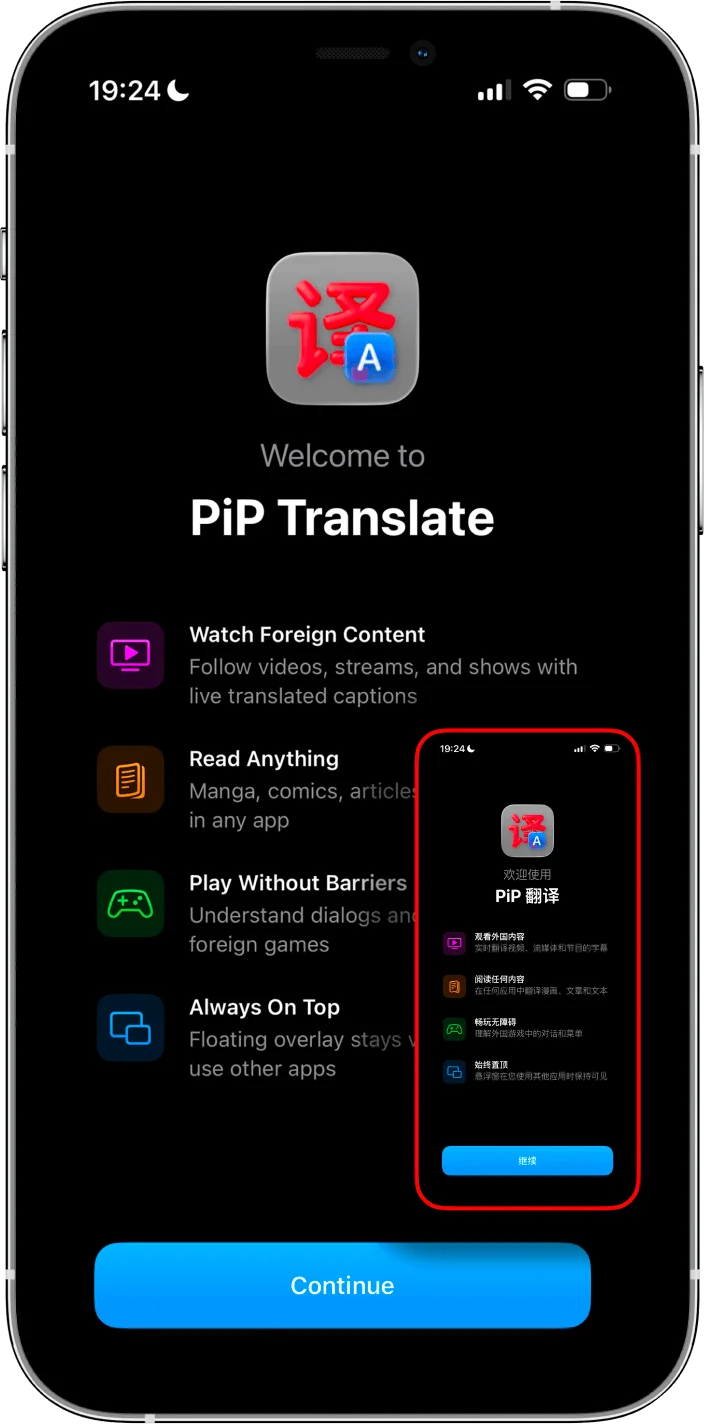
Why "change language" doesn't work
Every guide tells you to change the language in settings. That changes menu labels. It doesn't translate posts, comments, reviews, or product listings — the stuff you actually want to read.
The auto-translate toggle? Only works on post captions. Comments, images, and everything else stays in Chinese.
The overlay method
PiP Screen Translate floats a translation window over Rednote (or any app). OCR reads Chinese text on your screen and shows the translation in real time.
- 1
Open PiP Screen Translate
Start the picture-in-picture overlay.
- 2
Switch to Rednote
The translation window stays on top.
- 3
Browse normally
Translation updates as you scroll. No screenshots needed.
Works on every Chinese app
Not just Rednote. Anything on your screen.
Rednote (Xiaohongshu)
Posts, comments, product recommendations, trending hashtags.
Douyin
Chinese TikTok. No English version at all. Translate captions and comments.
Taobao & 1688
Product titles, seller info, reviews. Full Taobao guide →
Meituan
Food delivery, hotel booking, movie tickets. Restaurant menus and reviews.
Mini-programs, Moments, public accounts. Long-press translates messages, but not everything else.
Dianping
Chinese Yelp. Restaurant reviews and ratings you can finally read.
How it compares
Change language setting
Menus only. Content stays Chinese.
Auto-translate toggle
Post captions only. No comments, no images.
Screenshot + Google Lens
Works but 10-15 seconds per page. Camera roll fills up.
PiP overlay
Everything on screen. Real-time. Stay in the app.
Quick tips
- • PiP works in China without a VPN (unlike Google Translate or Google Lens).
- • For payments and banking apps, always double-check important translations before confirming.
- • Use image search in Taobao (the camera icon) — it's incredible even without translation.
- • Full China setup guide →
Frequently asked questions
Does Rednote have a built-in translation?
Can Americans use Xiaohongshu?
What's the best translation app for Chinese apps?
Does it work for Douyin, Meituan, and other apps too?
Does it work in China behind the firewall?
Is it free?
Stop screenshotting every page of Rednote.
Real-time translation overlay. Free trial, no account.