The picture‑in‑picture translator your iPhone was missing
A persistent floating overlay that translates any app on screen in real time. No screenshots. No app switching. No interruptions.
 Free trial, no account needed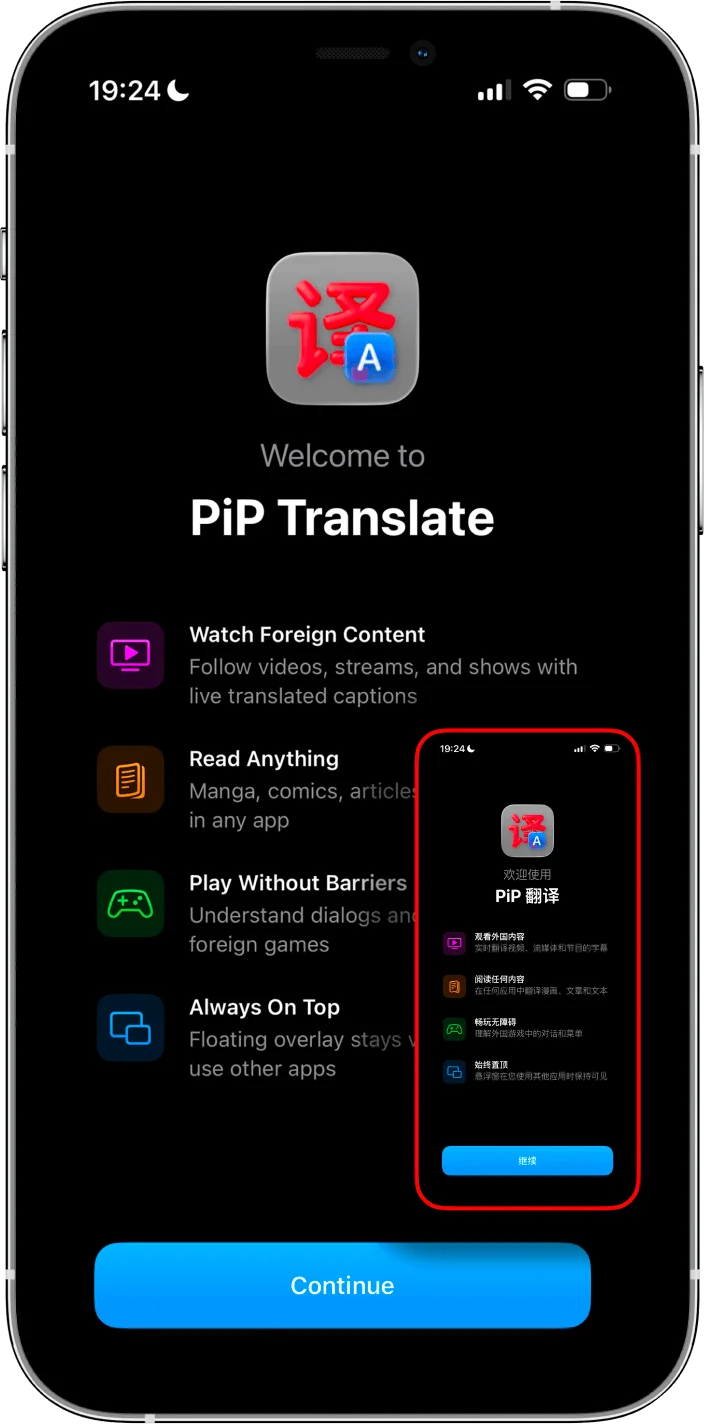
“Screenshot, translate, go back, repeat”
That’s the reality of translating on iPhone today. Some users do it 200 times per day. A $1,000 iPhone still can’t do what a $100 Android phone does natively with screen translation.
- 1. See foreign text in your app
- 2. Take a screenshot
- 3. Switch to Google Translate or Lens
- 4. Read the result
- 5. Switch back to your app
- 6. Repeat. Forever.
How picture-in-picture translation works on iPhone
Open any app
Launch the game, manga reader, shopping app, or social feed you want to translate.
Activate the PiP overlay
PiP Screen Translate uses the native iOS Picture-in-Picture framework to create a floating window that stays on top of your screen. It’s the same system iOS uses for FaceTime and video players — no jailbreak, no workarounds.
OCR reads your screen
The app continuously captures text on your screen using optical character recognition. It detects Japanese, Chinese, Korean, Arabic, Thai, and 30+ other languages automatically.
Translation appears instantly
Translated text is displayed in the floating PiP window. Keep scrolling, tapping, navigating — the overlay follows along and updates as the screen changes.
Works everywhere you need it
Why other translators fall short
Apple Translate
Only works with selectable text. Useless for games, images, manga, or any app that renders text as graphics. Requires you to leave your app.
Google Translate (Camera Mode)
Requires switching apps and pointing your camera at another screen. Can’t translate what’s on your own iPhone screen.
Screenshot Translators (iTranscreen, etc.)
Still the screenshot-translate-switch-back loop. Better than nothing, but you’re still interrupting your workflow for every new screen of text.
EZ Screen Translator / Bubble Translate
Android only. If you’re on iPhone, these aren’t available to you. PiP Screen Translate brings the same floating overlay concept to iOS.
PiP Screen Translate
True picture-in-picture translation. Floats over any app, translates continuously, no screenshots, no switching. The iPhone screen translator that actually works the way it should.
Frequently asked questions
Is there a picture-in-picture translator for iPhone?
How does PiP translation work?
Can I translate my screen without leaving my app?
What’s the difference between PiP translation and screenshot translation?
Does it work with any app?
How is this different from Apple Translate or Google Translate?
Is it free?
Stop app-switching. Start translating.
Free trial, no account required.