
Manga Translator for iPhone
Translate raw manga in real time — right inside your favorite reader app. No imports, no browser, no switching apps.

Works with Tachimanga, Aidoku, Shonen Jump+, and more
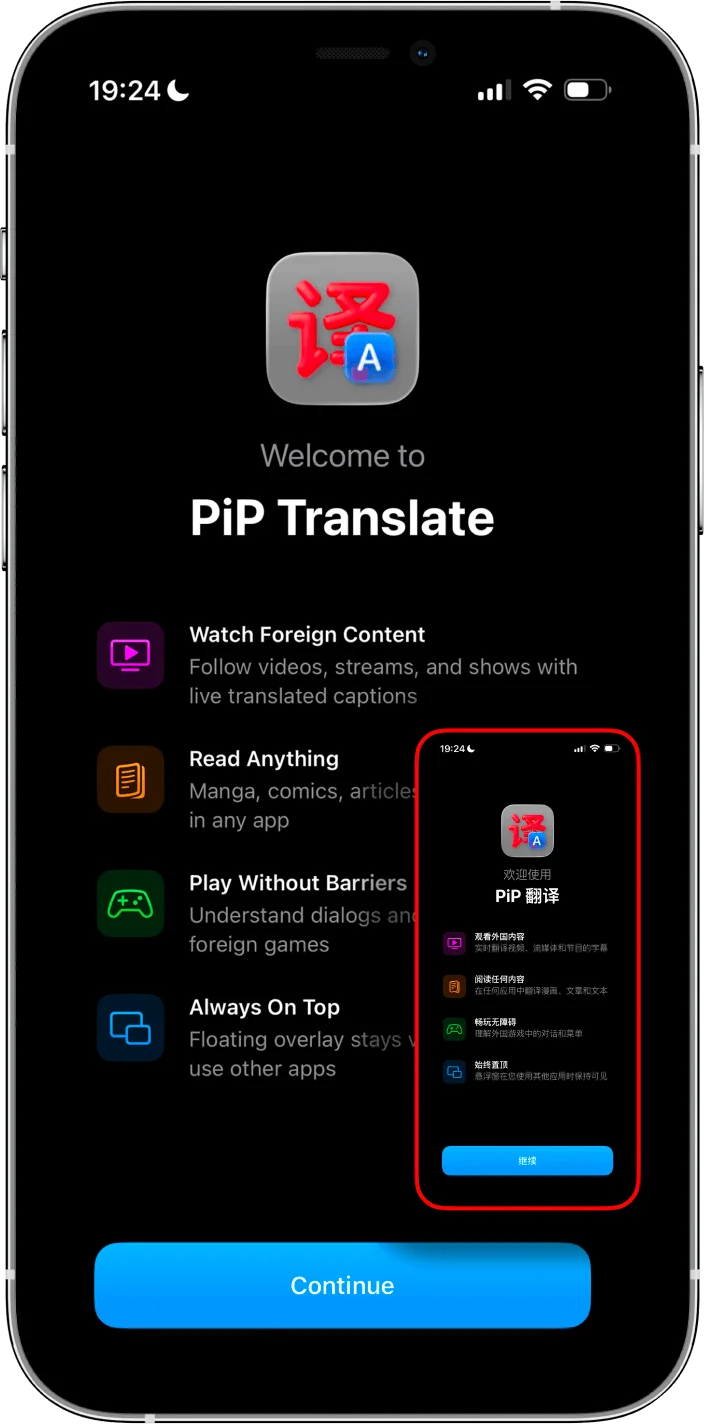
How It Works
Open your manga reader
Tachimanga, Aidoku, Safari — whatever you normally use.
Start PiP Screen Translate
Tap the overlay button. It floats on top of your reader.
Read with translation overlay
Japanese text gets translated in place. Keep reading.
Works With Your Favorite Reader
Multi-source readers
- Tachimanga
- Aidoku
- Paperback
Official Japanese apps
- LINE Manga
- Piccoma
- Shonen Jump+
Web
- MangaDex in Safari
- Any manga website
Files
- ComicGlass
- Any PDF/CBZ reader
Unlike browser-based translators, PiP works as a floating overlay on YOUR reader. Keep your library, reading progress, and bookmarks.
Overlay vs Browser Translators
- ✕ Import files into their reader
- ✕ Lose your library and bookmarks
- ✕ Stuck in their UI and workflow
- ✕ Reading progress doesn't sync
- ✓ Use your own reader app
- ✓ Nothing to import or upload
- ✓ Keep your library and progress
- ✓ Works on any app, any source
Tips for Better Results
Zoom in on speech bubbles for better OCR accuracy.
Clean digital scans work best — avoid blurry photos.
Go panel by panel for dialogue-heavy pages.
Works for Korean manhwa and Chinese manhua too.
Frequently Asked Questions
What manga reader apps does this work with?
Does it work offline?
What languages can it translate?
How accurate is the translation?
How is this different from Mangra or browser-based translators?
Is it free?
Read raw manga without waiting for translations.
Free trial, no account needed.
Want a step-by-step guide? Read our manga translation tutorial →