Translate any game on your iPhone
Real-time screen translation for every game. No mods, no jailbreak, no risk to your account.
 30+ languages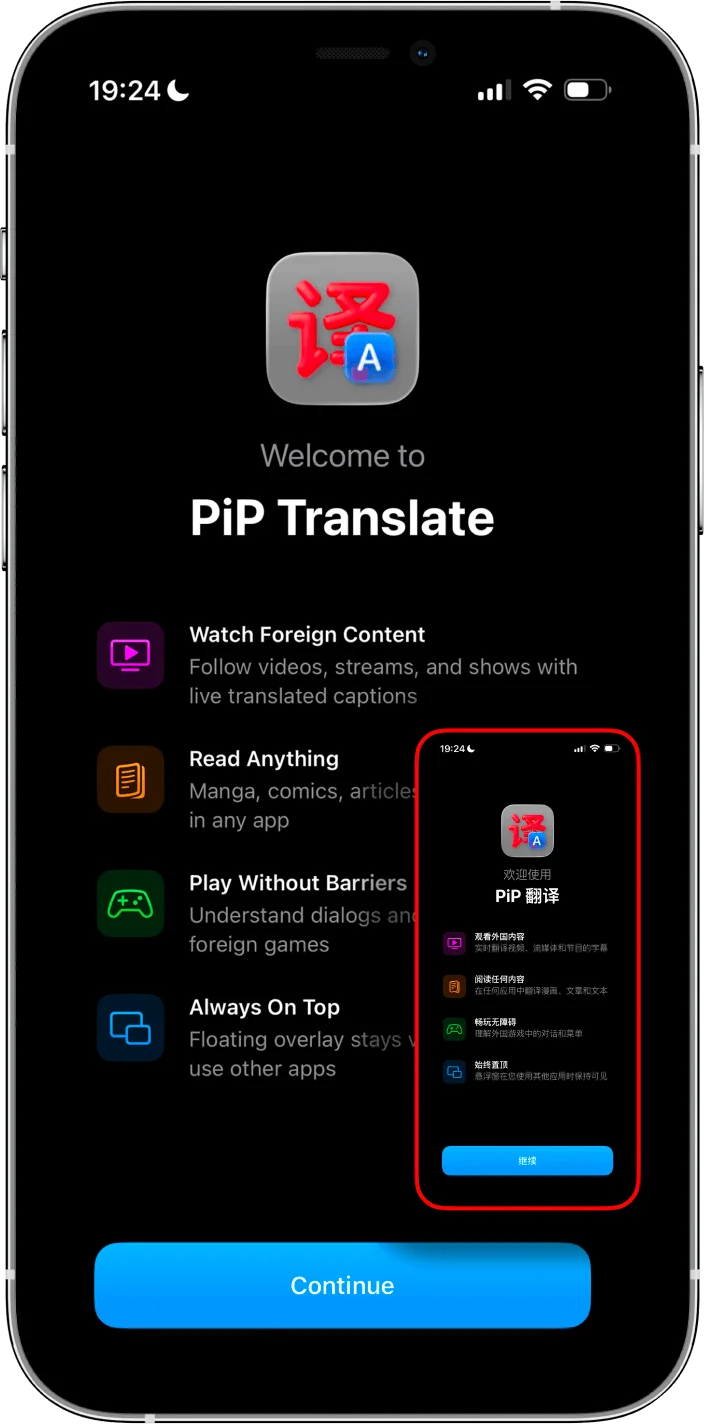
The iPhone translation problem
On Android, there's Gaminik. On PC, there's Textractor. On iPhone? Reddit says "impossible."
Fan patches like Hachimi and Rayshift only work on Android and PC. They only support English. And they break with every game update.
PiP Screen Translate reads your screen and translates everything — in any language.
How it works
Download the app
Get PiP Screen Translate from the App Store. Free trial, no account needed.
Open your game
Launch any game — Japanese gacha, Korean RPG, Chinese visual novel, anything.
Start translating
The translation overlay floats on top while you play. Tap to refresh as screens change.
Works with every game
If it runs on your iPhone, PiP can translate it. Here are some popular ones.
Fate/Grand Order JP
JP server is 2 years ahead of NA. Rayshift translation is Android-only.
Story dialogue, servant skills, event missions, menu UI.
Uma Musume
No English version exists. Fan patches are PC and Android only.
Training events, skill descriptions, story scenes, support cards.
Monster Strike
English version shut down in 2017. $11B+ revenue game, zero official translation.
Quest descriptions, monster abilities, event details, gacha info.
Project Sekai
Only available in EN/JP/KR/CN. No Spanish, Russian, Arabic, or Portuguese.
Story chapters, event cards, gacha details, song info.
Genshin Impact
Supports many languages but not all. Also great for JP voice with your language text.
Quest text, item descriptions, dialogue, achievement details.
Every other game
Blue Archive, Granblue Fantasy, NIKKE, Dokkan Battle, otome games — if it runs on your iPhone, PiP can translate it.
Menus, dialogue, skills, events, gacha — everything on screen.
PiP vs other options
Gaminik
Great app — but Android and Windows only. No iOS support.
iTranscreen
Available on iOS, but only supports 11 languages.
Fan mods (Hachimi, Rayshift, etc.)
Game-specific, English-only, break with every update, and risk account bans.
PiP Screen Translate
Every game, 30+ languages, no mods, no ban risk. Works today.
Frequently asked questions
Will I get banned for using this?
Does it work with games that block screenshots?
How accurate is the translation?
What languages does it support?
Is it free?
How do I download Japanese games on iPhone?
Stop waiting for English patches.
Translate any game, in any language, right now.